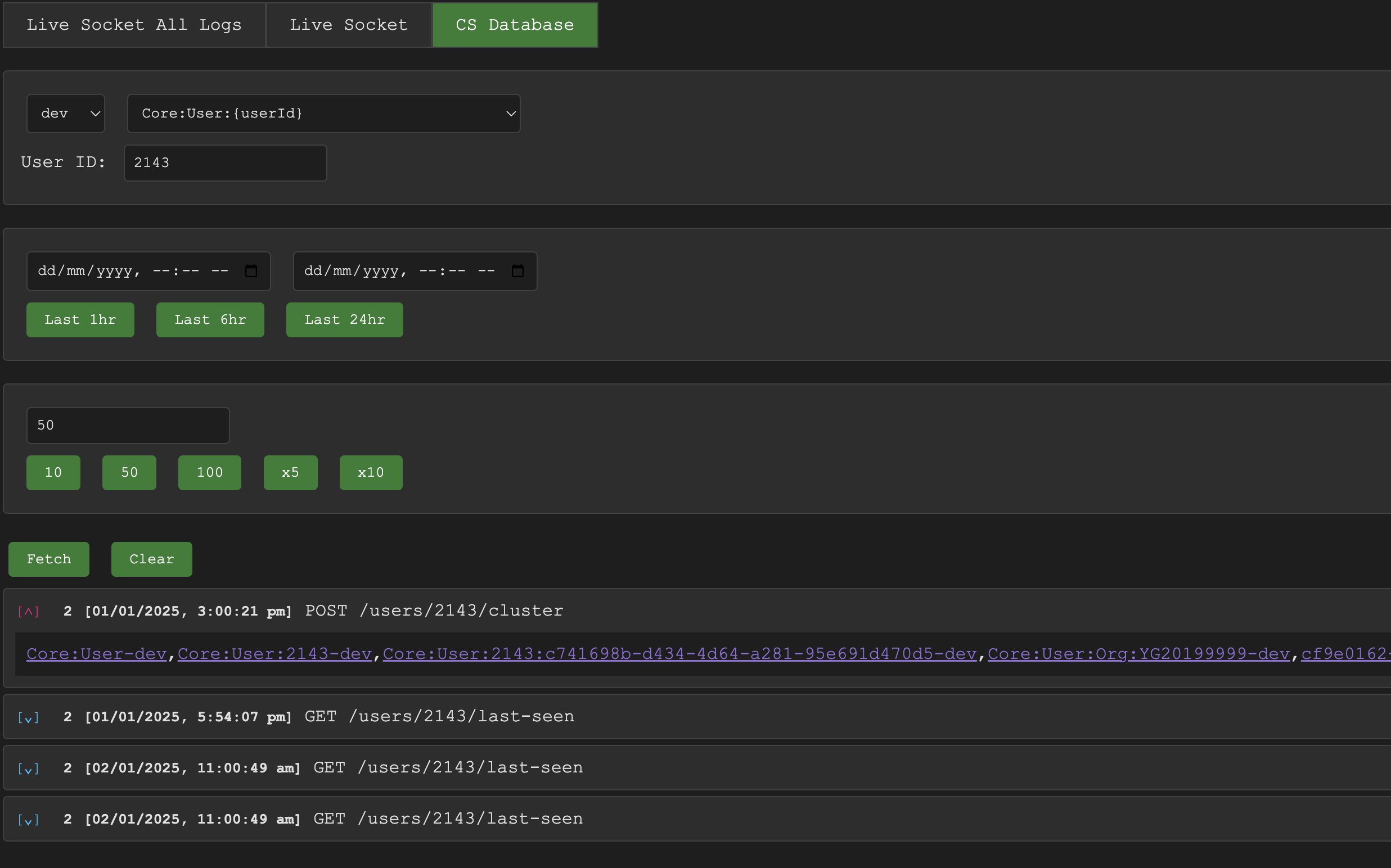
Result
- Only failed or flagged requests are stored, so the log store stays small
- Logs searchable by request ID, user, third-party client, device or system job
- Live stream and stored history in one small viewer
Stack
Node.jsExpressWebSocketsCassandra@panth977/functions@panth977/routes
Built at my day job, where I lead the software team behind the Envizom platform. The code belongs to the company; this write-up comes from my public blog post.
The problem
A client hits a 500. To debug it you log in as that user and try to reproduce it, or search a sea of logs for the lines that belong to that one request.
What I built
- Every request gets a UUID, returned in the response headers, and a
contextobject whosecontext.logworks likeconsole.logbut remembers which request it belongs to. - Every function takes the context, so logs from deep in the call stack still group under the request.
- When the context is disposed, its logs are sent only if the request failed or was marked important.
- A small socket service receives the logs, streams them live, and a listener stores them in a self-hosted Cassandra table with a TTL of a few weeks.
- Each login session gets its own ID in the auth token, so logs are also tagged by user, third-party client, device or system job (cron, reports, alerts).
- A viewer with two modes, live and stored, lists the calls for an ID and links each log to its other IDs.
Result
For any failed request, or any user, device or job, one ID brings up the full sequence of what happened, without keeping logs for the requests that succeeded.